Superpower Ragdoll Physics Tools & Comparators
Practical planning tools for 36 powers across maps, villains, scenarios, and events — start with Power Compare.
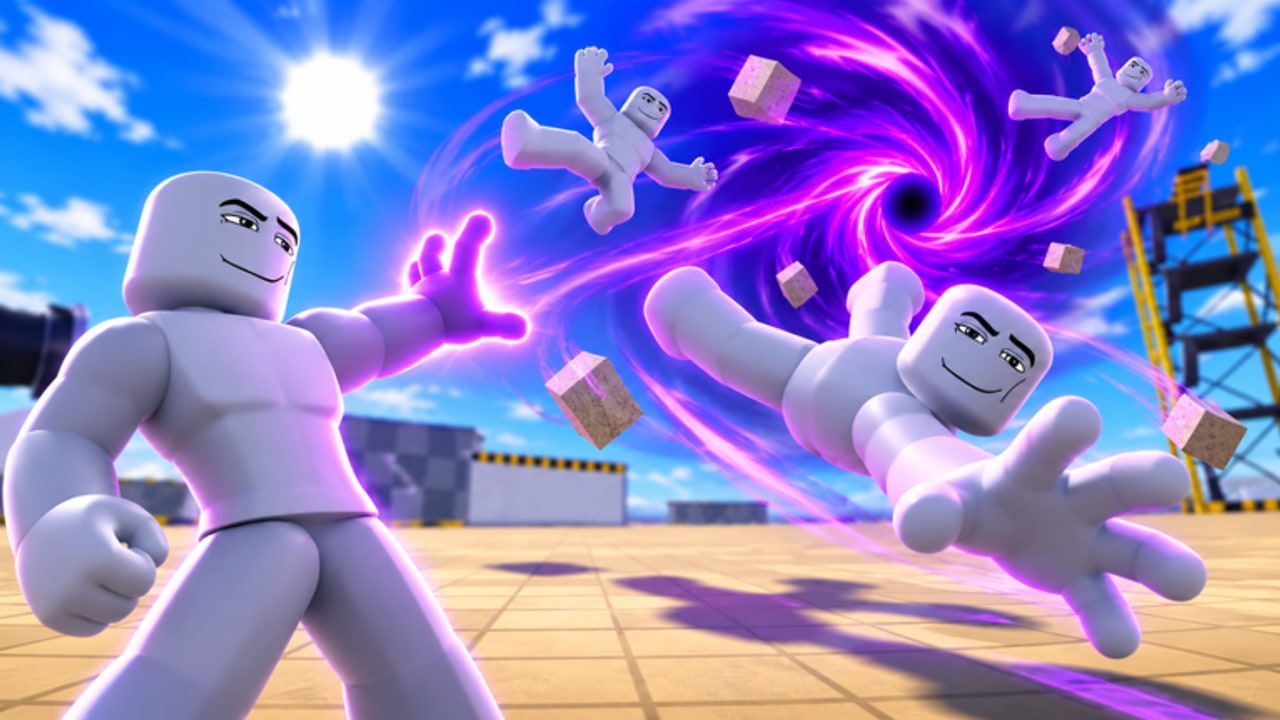
The Tools Hub is where planning beats guesswork. Superpower Ragdoll Physics throws 36 superpowers, 9 scenarios, 15 world events, and 7 maps at short 4-player sessions. That is enough combinations to waste a night swapping randomly. These pages give structured checklists so your squad locks a loadout in under a minute.
Start here: Power Compare. Then validate opinions against the Powers Tier List, the Powers guide, and learn inputs via Getting Started.
What belongs in Tools
- Side-by-side power decision sheets
- Mode-specific checklists (city chaos vs scenario clears vs event surfing)
- Draft sheets for four-player roles
- Pre-session warm-up routines
Tools are not scripts. For executor risk context, see the separate Scripts Hub. Tools never ask for your password or inventory.
Featured tool: Power Compare
Power Compare walks through:
- Pillar scores — crowd clear, map control, co-op fun, event synergy
- Mode matrices — which named powers fit which job
- Villain modifiers for Brute, Pyro, Speedster, and the remaining roster
- Quick vetoes (when not to bring Nuke)
- Example four-stacks you can copy into party chat
Use it before prison break nights or when two friends both main Tornado.
How to run a five-minute planning huddle
- Open Power Compare on a phone while Roblox loads
- Pick the night’s focus: chaos, scenarios, or events
- Assign the four roles from the Players Hub guidance
- Ban one grief pattern (unannounced meteors, for example)
- Queue the matching map — city, stadium, lab-like white room, etc.
This ritual cuts rage quits when world events stack.
When rankings disagree with the tool
Tier lists answer “what is generally strong?” Tools answer “what should we bring tonight?” A C-tier novelty power can win a disco-party screamer session. An S-tier Nuke can lose a hostage rescue. Trust the checklist for the mode you are actually playing.
Inputs from the rest of the wiki
| Source | Feeds tools with |
|---|---|
| Tier List Hub | Methodology pillars |
| Powers Tier List | S–C baselines |
| Players Hub | Co-op constraints |
| Updates | Patch-driven rescores |
| Codes | Whether freebies change progression (none verified yet) |
Future tool ideas (not built until facts exist)
- Scenario timer sheets once official timing data is public
- Event probability trackers only with reproducible sampling
- Map callout boards with player-submitted safe screenshots
We will not ship fake calculators with invented damage numbers.
Fair-use reminder
These pages help legitimate play. They are not designed to optimize exploit scripts. If your “tool” needs an executor, it belongs under Scripts risk docs, not here.
Quick links
Plan for sixty seconds, laugh for twenty minutes — that is the Tools Hub pitch for SuperheroCCU’s physics sandbox.
Frequently Asked Questions
Quick answers to the most common questions.
What tool should I open first?
Power Compare — it turns the 36-power roster into mode-specific checklists for your four-player squad.
Are these tools official Roblox plugins?
No. They are wiki planning pages. They do not install software into Roblox.
How is this different from the tier list?
Tier lists rank general strength. Tools help you draft for tonight’s mode, map, and teammates.
Do tools include promo codes?
No. Code status lives on the Codes Hub. As of November 2026 none are widely verified.
Can I suggest a new tool?
Yes — prioritize ideas that use public facts only, without invented damage stats or fake patch data.